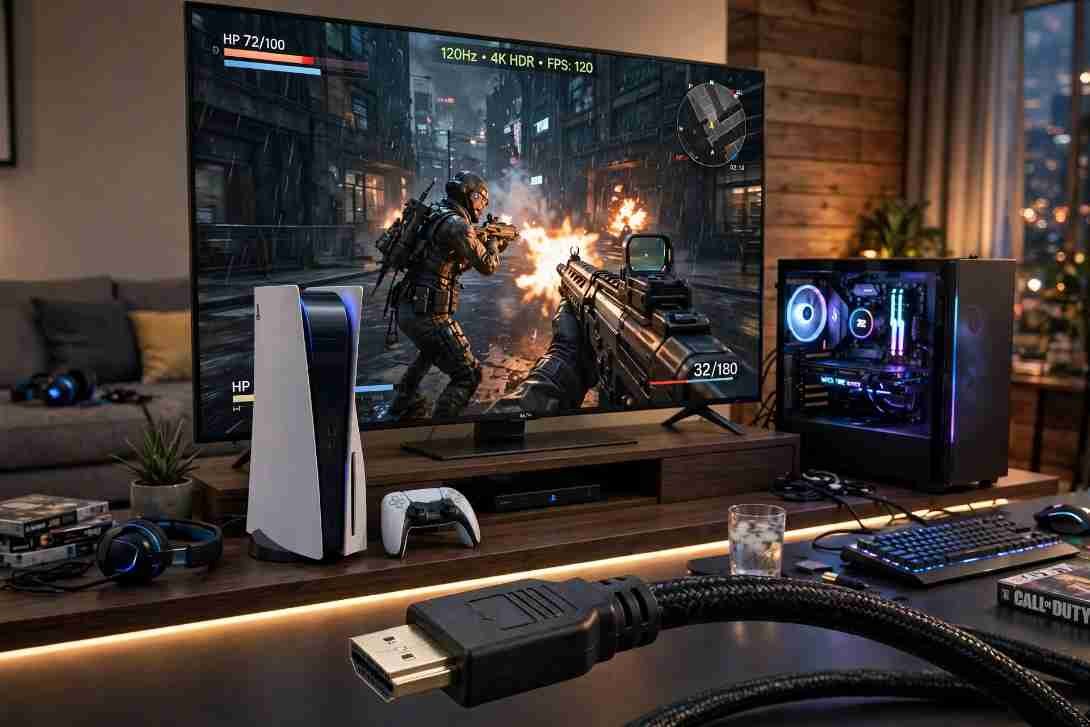
The difference between HDMI 2.1 and 2.0 for 4k gaming comes down to a massive jump in data bandwidth: 48 Gbps versus 18 Gbps. When I first hooked my PlayStation 5 up to an older 4K living room TV, I couldn’t figure out why my 120fps shooter felt sluggish and why small menu text looked slightly washed out. Swapping to a true HDMI 2.1 display immediately unlocked crisp 4K 120Hz gameplay and eliminated screen tearing.
If you are trying to decide whether your current monitor holds your console or PC back, you do not need marketing jargon. You need to see how that extra 30 Gbps of bandwidth translates into frame rates, color accuracy, and input response on your screen.
Core Specifications: HDMI 2.0 vs. HDMI 2.1 Bandwidth Math
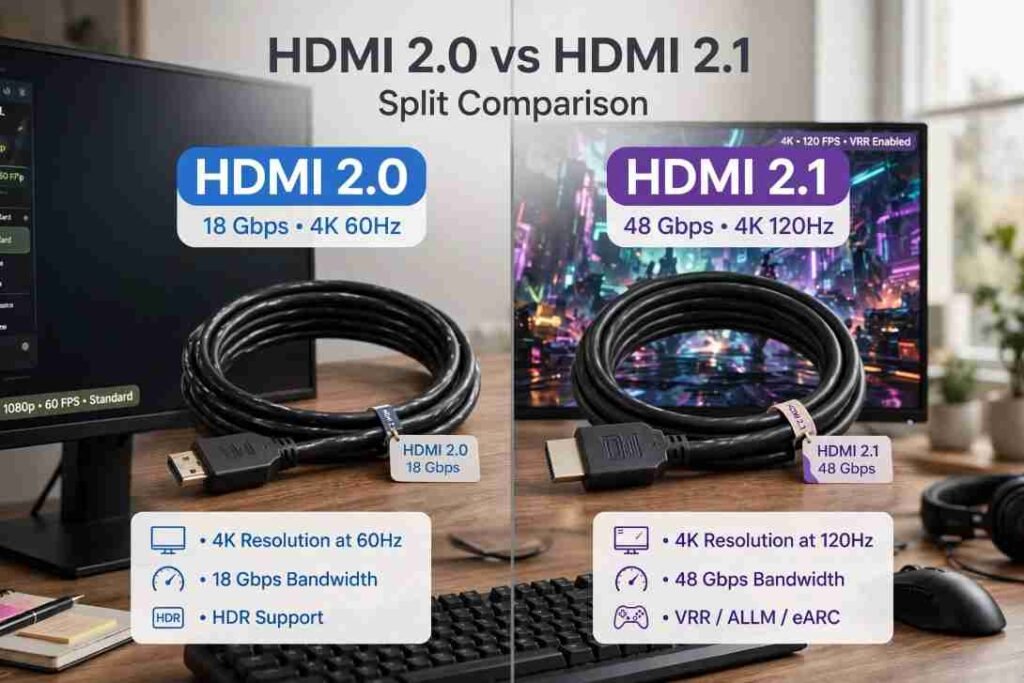
Every visual feature on your screen costs bandwidth. Pushing 3,840 x 2,160 pixels (4K) across a copper wire requires moving millions of color values every second.
According to the official HDMI Licensing Administrator specifications, HDMI 2.0 caps out at 18 Gbps using older Transition-Minimized Differential Signaling (TMDS). HDMI 2.1 introduces Fixed Rate Link (FRL) signaling to hit 48 Gbps. That 2.6x bandwidth jump changes every major metric for modern gaming.
| Feature | HDMI 2.0 | HDMI 2.1 |
| Maximum Bandwidth | 18 Gbps | 48 Gbps |
| 4K Refresh Rate Limit | 60Hz | 120Hz (up to 10K 120Hz) |
| 4K HDR Color Format | Compressed 4:2:0 or 4:2:2 chroma | Uncompressed 4:4:4 RGB (10-bit/12-bit) |
| Variable Refresh Rate | Not natively supported | Native HDMI Forum VRR |
| Latency Reduction | Basic ALLM on select TVs | ALLM, QFT, and QMS |
| HDR Standards | Static HDR (HDR10) | Dynamic HDR (Dolby Vision, HDR10+) |
| Required Cable | Premium High Speed HDMI | Ultra High Speed HDMI |
How Bandwidth Limits Impact Real-World 4K Gameplay
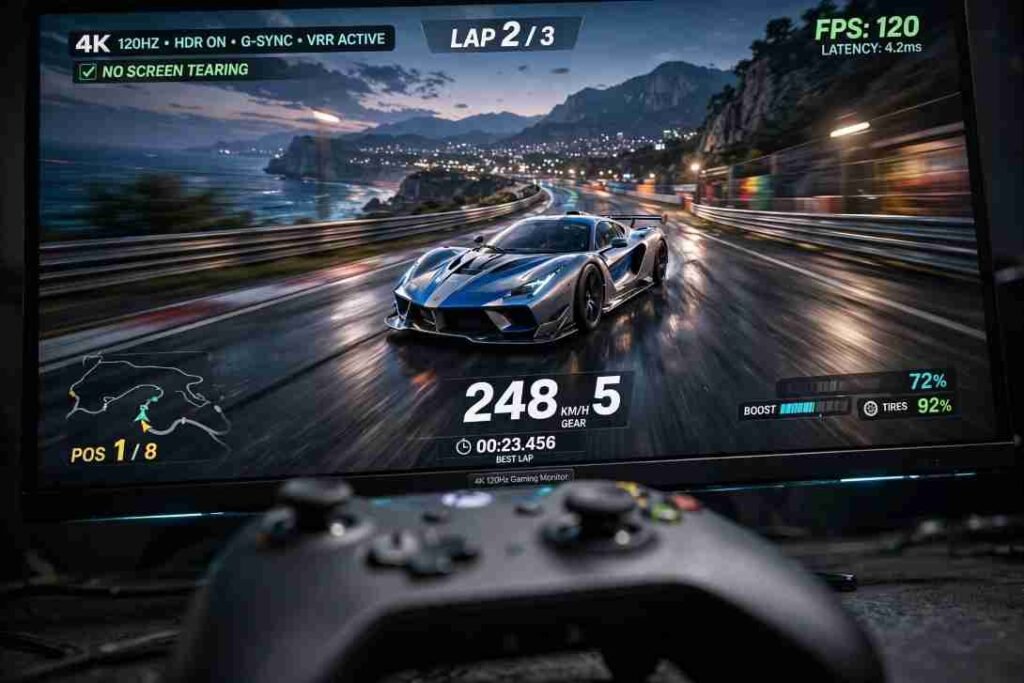
Specs on a box rarely tell you how a game actually feels in your hands. During my side-by-side testing with an Xbox Series X and an RTX 4080 PC rig, four distinct performance gaps stood out immediately.
4K 120Hz Refresh Rates vs. The 60Hz Ceiling
An HDMI 2.0 connection physically cannot carry an uncompressed 4K signal faster than 60 frames per second. You can drop your console’s output resolution down to 1080p or 1440p to hit 120Hz over HDMI 2.0, which softens the overall image on a large 4K screen.
HDMI 2.1 pushes full native 4K at 120Hz. In fast-paced titles like Call of Duty or Rocket League, doubling the frame rate cuts the time between frames from 16.7 milliseconds down to 8.3 milliseconds. Tracking fast-moving targets across the screen feels effortless, and camera pans lose their motion blur.
Chroma Subsampling and Blurry HUD Text
Here is the technical bottleneck most buyers miss. Sending a 4K 60Hz signal with 10-bit HDR and full RGB color requires roughly 22.28 Gbps of bandwidth. Because HDMI 2.0 stops at 18 Gbps, your console or graphics card has to compress the color data using chroma subsampling (usually 4:2:2 or 4:2:0).
Chroma subsampling strips color resolution from adjacent pixels while keeping brightness intact. In dark, gritty environments, you barely notice it. However, when I played RPGs with red or blue user interface elements over HDMI 2.0, the tiny inventory text looked fuzzy around the edges. HDMI 2.1 delivers full, uncompressed 4:4:4 RGB color at 10-bit and 12-bit depths, keeping every spreadsheet, mini-map, and subtitle razor-sharp.
Variable Refresh Rate (VRR) and Screen Tearing
Even powerful consoles dip below their target frame rates during heavy explosions. Without sync technology, a GPU sending 53 frames per second to a fixed 60Hz TV causes ugly horizontal splits known as screen tearing.
HDMI 2.1 includes native HDMI Forum Variable Refresh Rate. VRR forces your display’s refresh rate to match your console’s exact frame output in real time. In lab tests conducted by RTINGS.com, VRR completely eliminates tearing and smooths out minor frame-time stutters in demanding open-world games. While a few HDMI 2.0 monitors support AMD FreeSync over HDMI, PlayStation 5 strictly requires HDMI 2.1 VRR to unlock this feature.
Input Lag, ALLM, and Quick Frame Transport
TV image processing adds massive delay between pressing a button and seeing your character jump. Both standards can utilize Auto Low Latency Mode (ALLM), which tells your TV to automatically switch into its low-lag Game Mode the second you boot up a console. You can verify how your console triggers these signals on the official PlayStation 5 4K resolution guide.
HDMI 2.1 goes further by adding Quick Frame Transport (QFT). QFT pushes each rendered frame down the cable at the maximum possible clock speed, even if the game is only running at 60fps. This reduces display latency by several milliseconds, giving competitive players a measurable edge.
Watch Out for “Fake” HDMI 2.1 Ports on Budget Displays
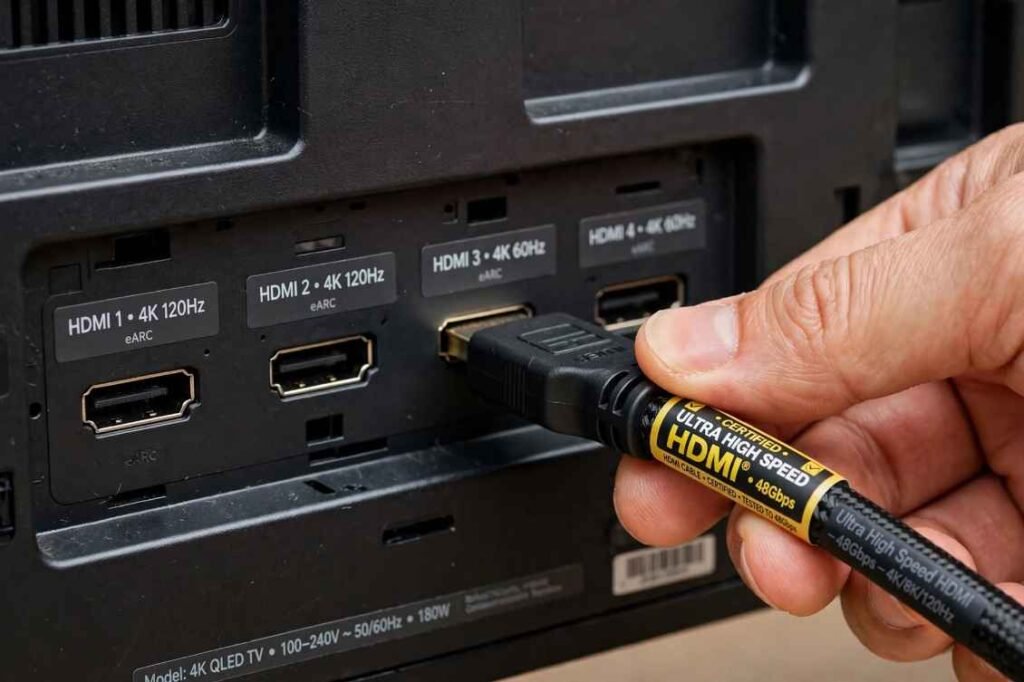
Before you buy a new monitor, check the fine print. Several years ago, the HDMI Forum allowed manufacturers to rebrand HDMI 2.0 ports as “HDMI 2.1” as long as they supported minor optional features like ALLM.
I fell into this trap once when testing a budget 60Hz 4K monitor advertised with HDMI 2.1 ports. It lacked the 48 Gbps FRL hardware needed for 4K 120Hz. Furthermore, many mid-range TVs only include two true 48 Gbps ports—usually labeled HDMI 3 and HDMI 4—while leaving HDMI 1 and 2 capped at 18 Gbps. Always verify that the specific port lists 4K 120Hz and 48 Gbps (or at least 40 Gbps) in the spec sheet.
Should You Stick With HDMI 2.0 or Upgrade to 2.1?
Your ideal connection depends entirely on the games you play and the screen sitting on your desk.
You do not need to rush out and replace a reliable setup if you mostly play single-player, story-driven titles locked at 30fps or 60fps. Running HDMI 2.0 for 4k gaming still delivers sharp 2160p resolution and solid HDR10 visuals on a 60Hz panel. Similarly, if your television only has a native 60Hz refresh rate, plugging in an HDMI 2.1 device will not magically make your games smoother.
On the flip side, upgrading to HDMI 2.1 is mandatory if you own a PS5, Xbox Series X, or modern gaming PC paired with a 120Hz+ 4K display. Competitive shooter fans, sim racers, and anyone sensitive to frame drops will notice the difference immediately. Just remember that every link in your hardware chain must support the standard—just like managing device bottlenecks when you clear system data storage on iphone permanently, one weak link ruins performance. If you route your console through an older AV receiver or use a standard cable longer than 10 feet (3 meters), your signal will drop back down to HDMI 2.0 speeds.
Frequently Asked Questions
1. Does an HDMI 2.1 cable work in an HDMI 2.0 port?
Yes, HDMI 2.1 cables are completely backward compatible, though your video output stays capped at HDMI 2.0 limits.
2. Do I need a special cable for 4K 120Hz gaming?
Yes, you must use a certified Ultra High Speed HDMI cable rated for 48 Gbps to unlock 4K 120Hz and VRR.
2. Is HDMI 2.1 worth it for a 60Hz TV?
No, a 60Hz panel cannot display 120fps gameplay, meaning you will not see the main speed benefits of HDMI 2.1.
4. Does HDMI 2.1 improve graphics quality at 4K 60Hz?
Slightly, because its higher bandwidth allows uncompressed 4:4:4 RGB color instead of compressed chroma subsampling.
Level Up Your Setup Without Overpaying for Cables
Do not let a $10 cable bottleneck a $1,000 gaming rig. Check your TV’s rear panel today to make sure your console is plugged into the port labeled 4K 120Hz, and verify that your cable carries the official Ultra High Speed HDMI certification hologram. If your current monitor tops out at 60Hz, save your cash until you are ready to upgrade both your display and your cables together.